 byob
A desktop AI coworker for the model you already run.
Point byob at llama.cpp, Ollama, LM Studio, vLLM, Claude or another hosted API. It works in a folder with you: reads and writes files, runs code, and builds spreadsheets, charts, documents and small apps beside the chat.
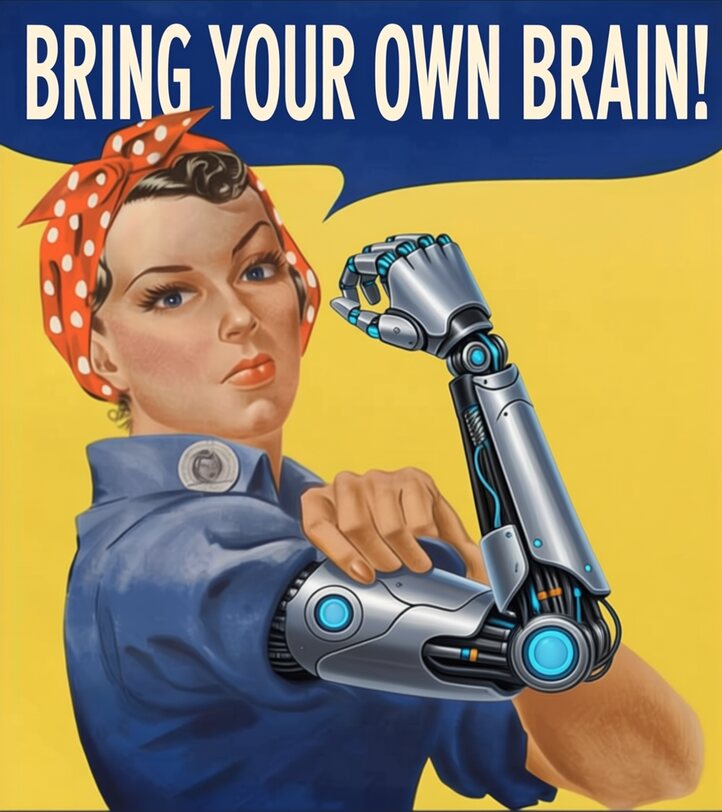
No bundled model, no account, no Electron. One native program for Linux, macOS and Windows, and it looks however you ask it to.
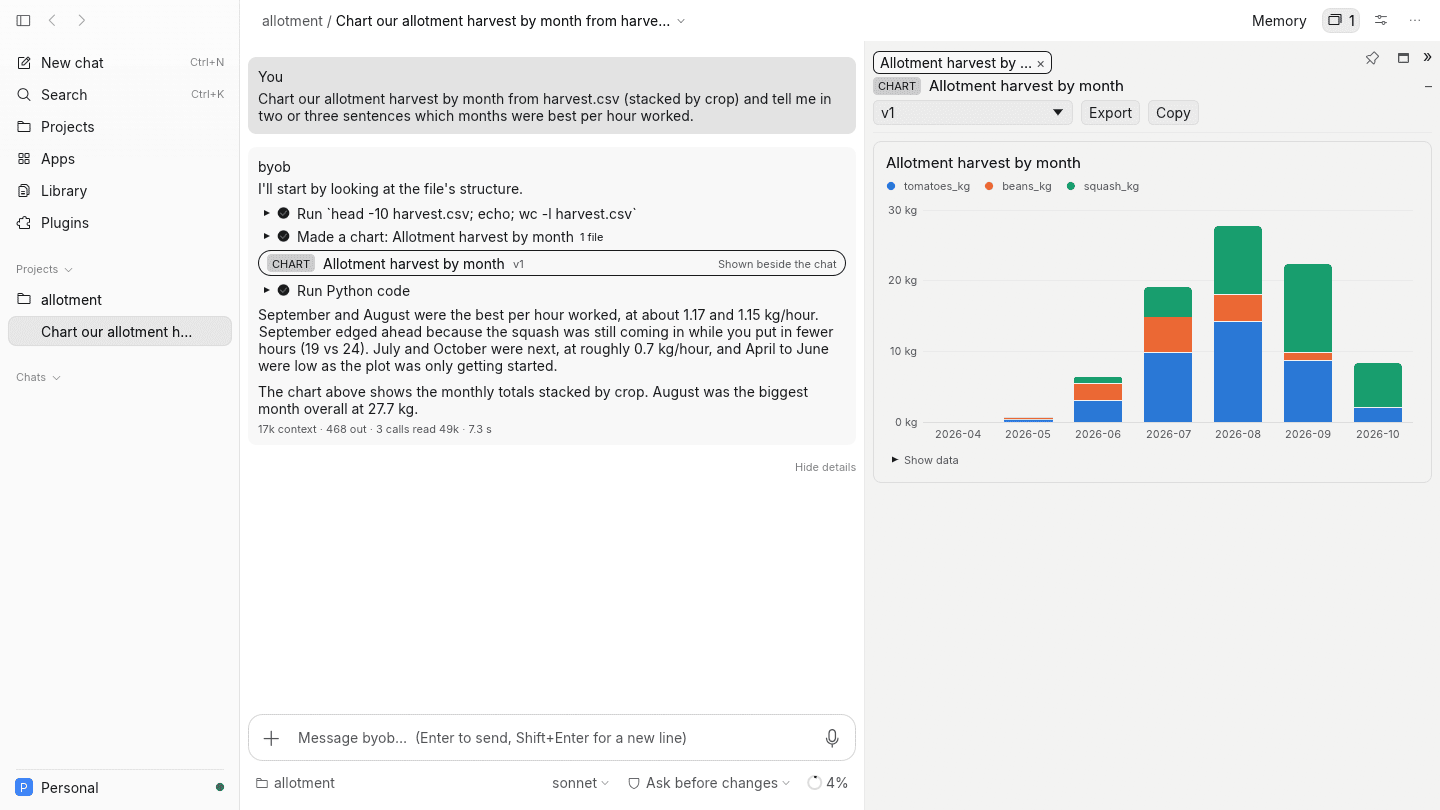
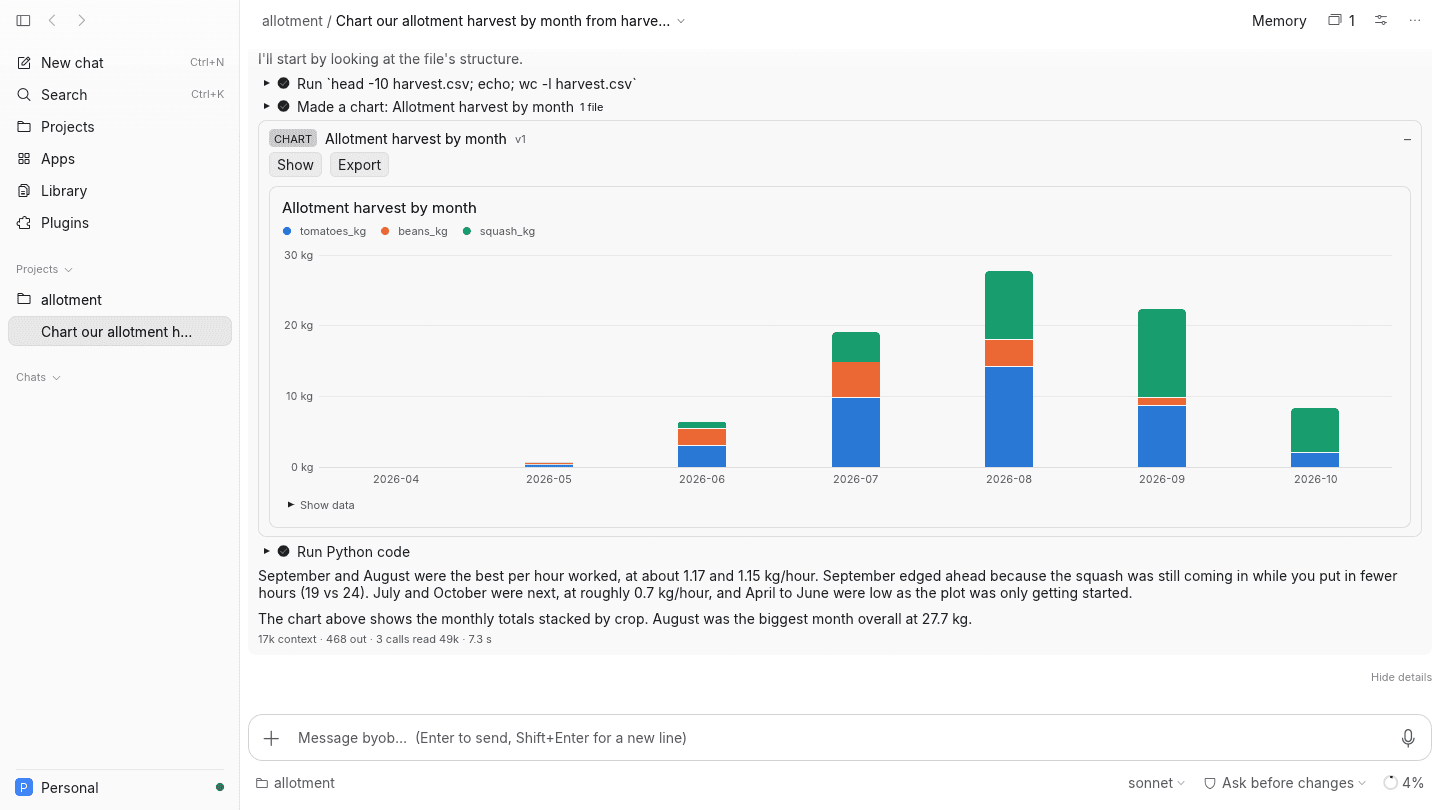
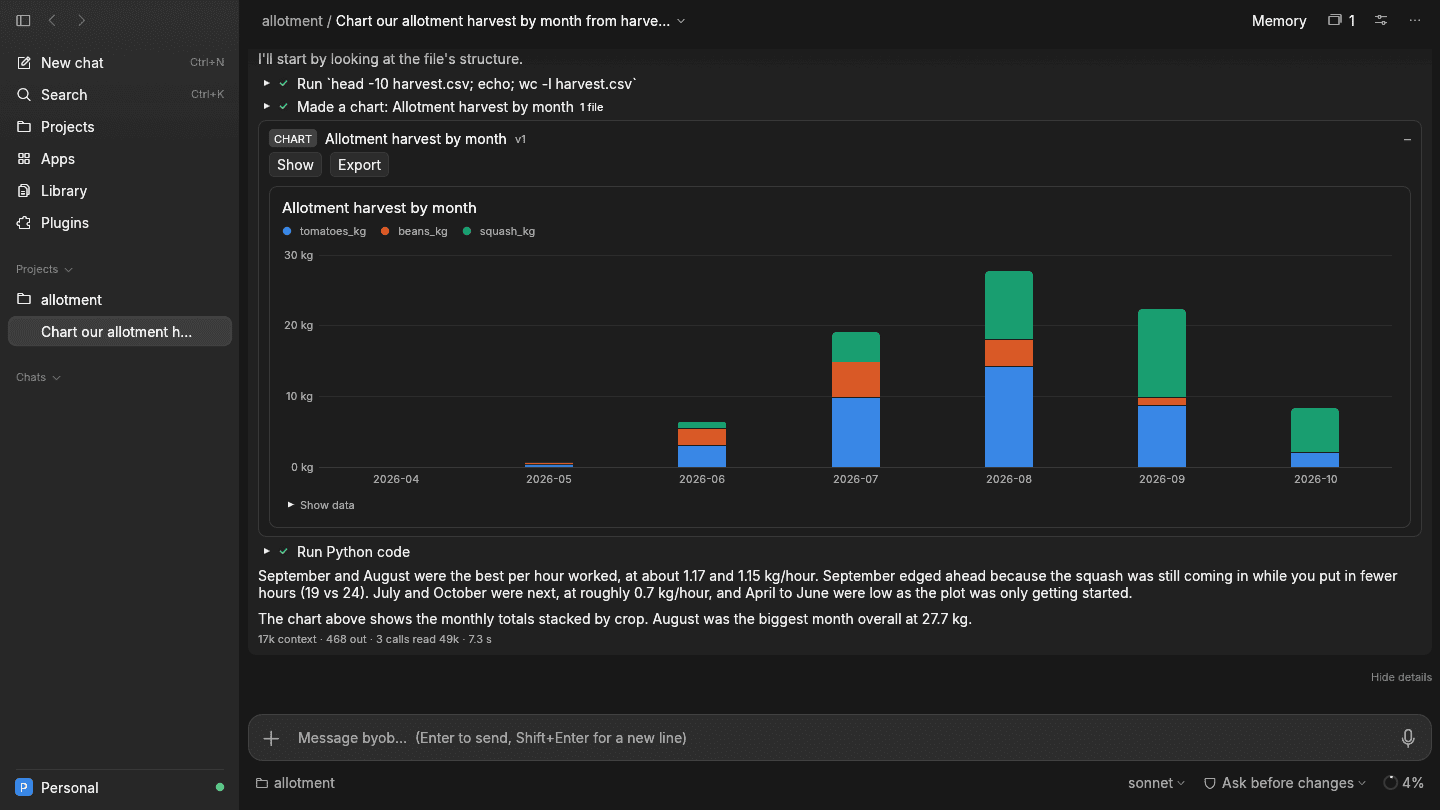
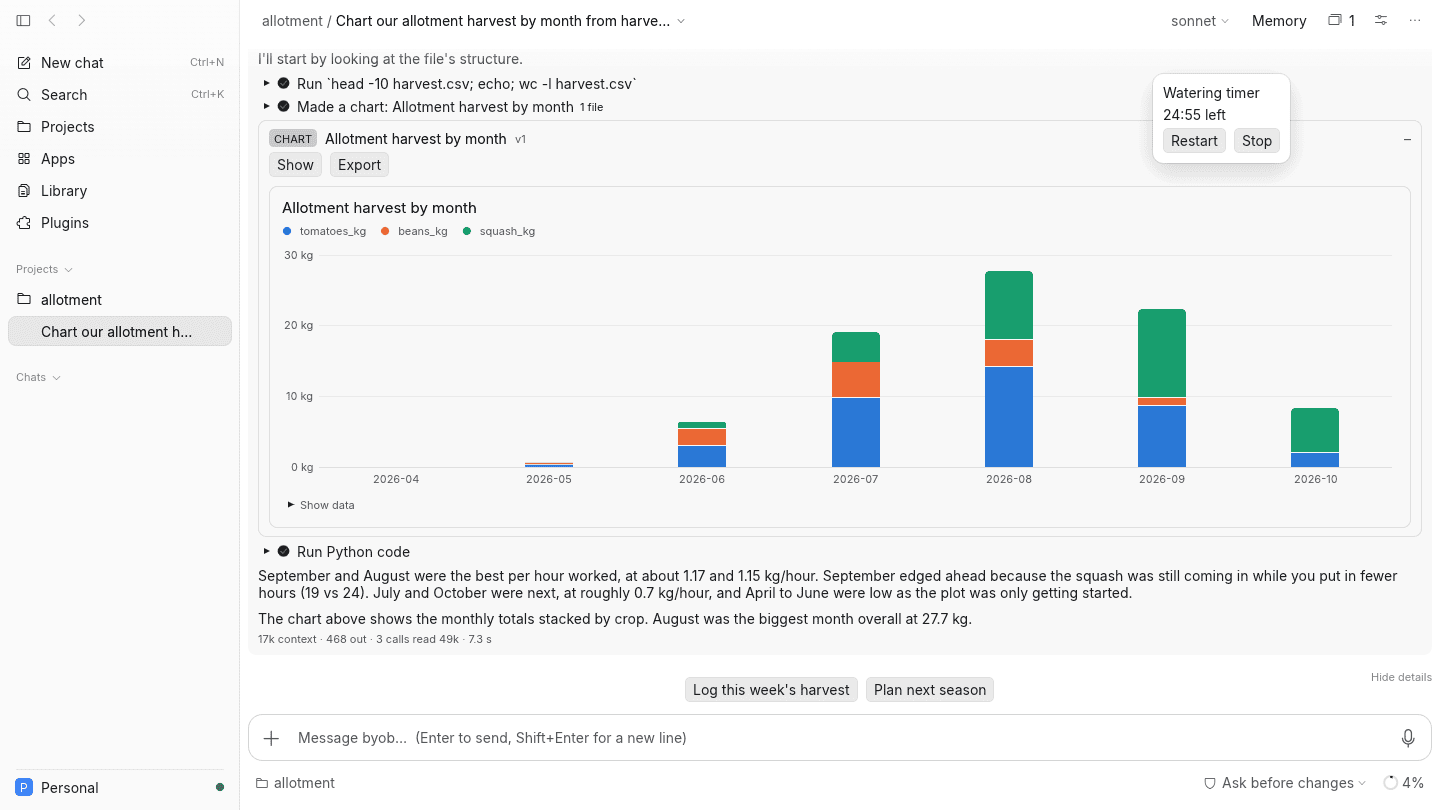
Make it look like anything
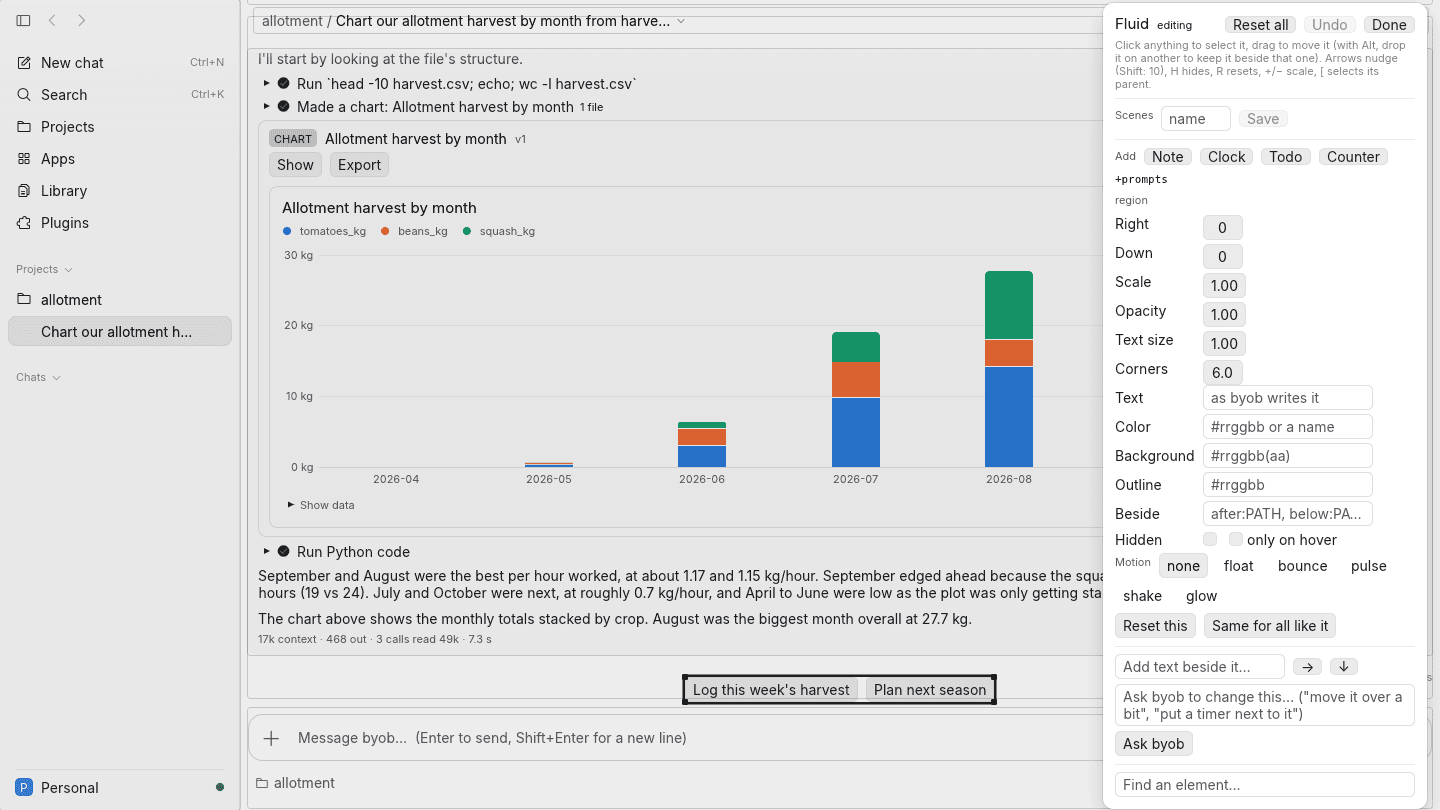
Ask in plain words, or press F2 and change it yourself. Every element on screen, down to a single button, can be moved, resized, recolored or hidden.
What it does
Your model, your machine
Any OpenAI-compatible URL, or Claude over Anthropic's own API. On first run byob finds
the servers already running on this computer and offers presets for hosted APIs. Save
several models and give each a job: subagents, image descriptions, chat titles.
/bench measures how fast yours really is.
Work beside the chat
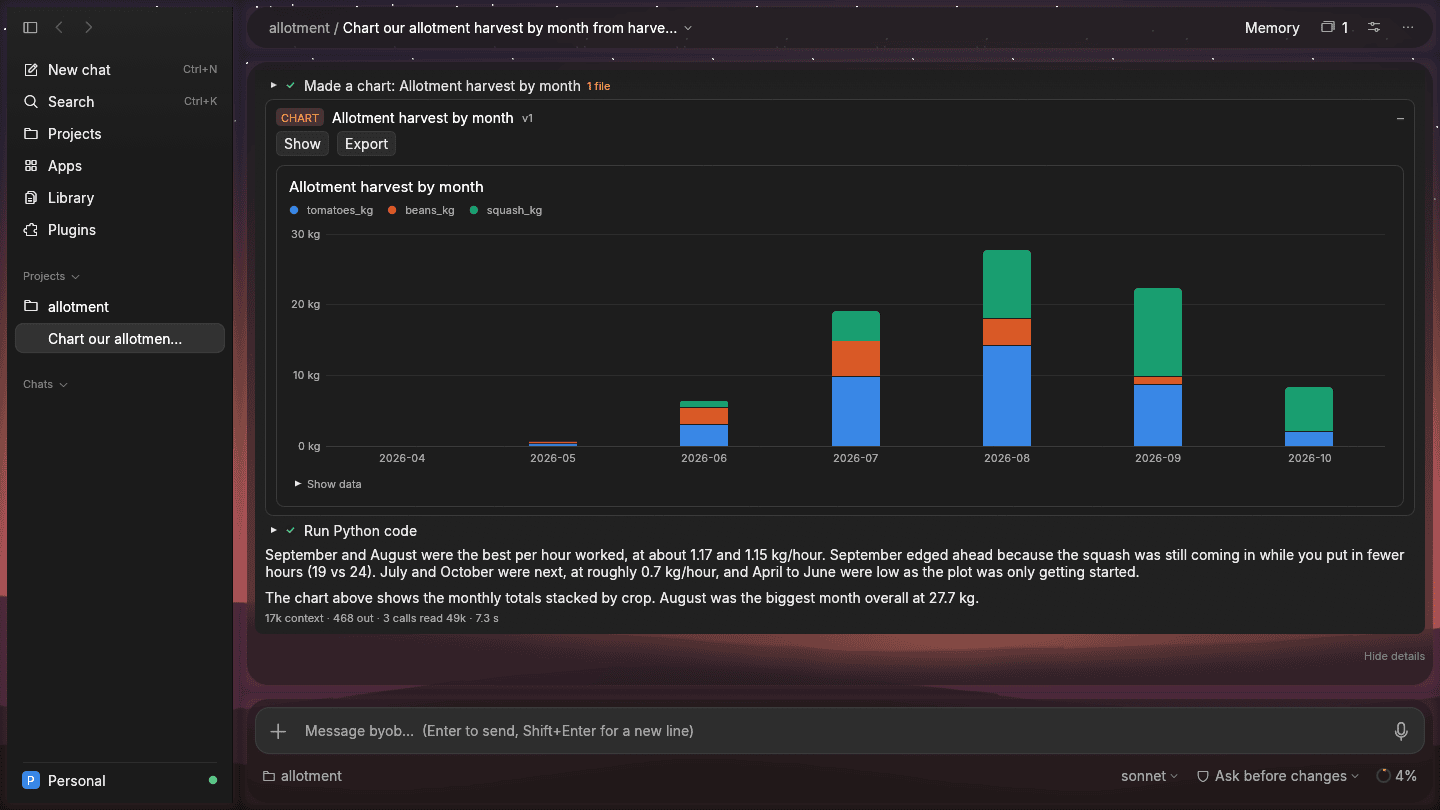
Spreadsheets (xlsx and csv), charts, Markdown documents, images and HTML apps open next to the conversation, each with its own version history. Apps can use the internet when you let them.
Hands, on a leash
File tools, shell commands and Python, sandboxed on Linux. Approval cards show the diff before anything changes, and every turn can be undone.
Projects
A project is a name, instructions every chat in it follows, and the folders its chats work in, as many as it needs. Find any of them from the search palette (Ctrl+K).
Reads your stuff
PDF, Word and PowerPoint files, images for models that can see, the web, your mail over IMAP and your calendar over CalDAV. Notes it keeps across chats are plain Markdown.
On your phone too
The browser UI is the same app compiled to WebAssembly, live on the same session.
Put it behind tailscale serve and it follows you around.
It writes its own plugins
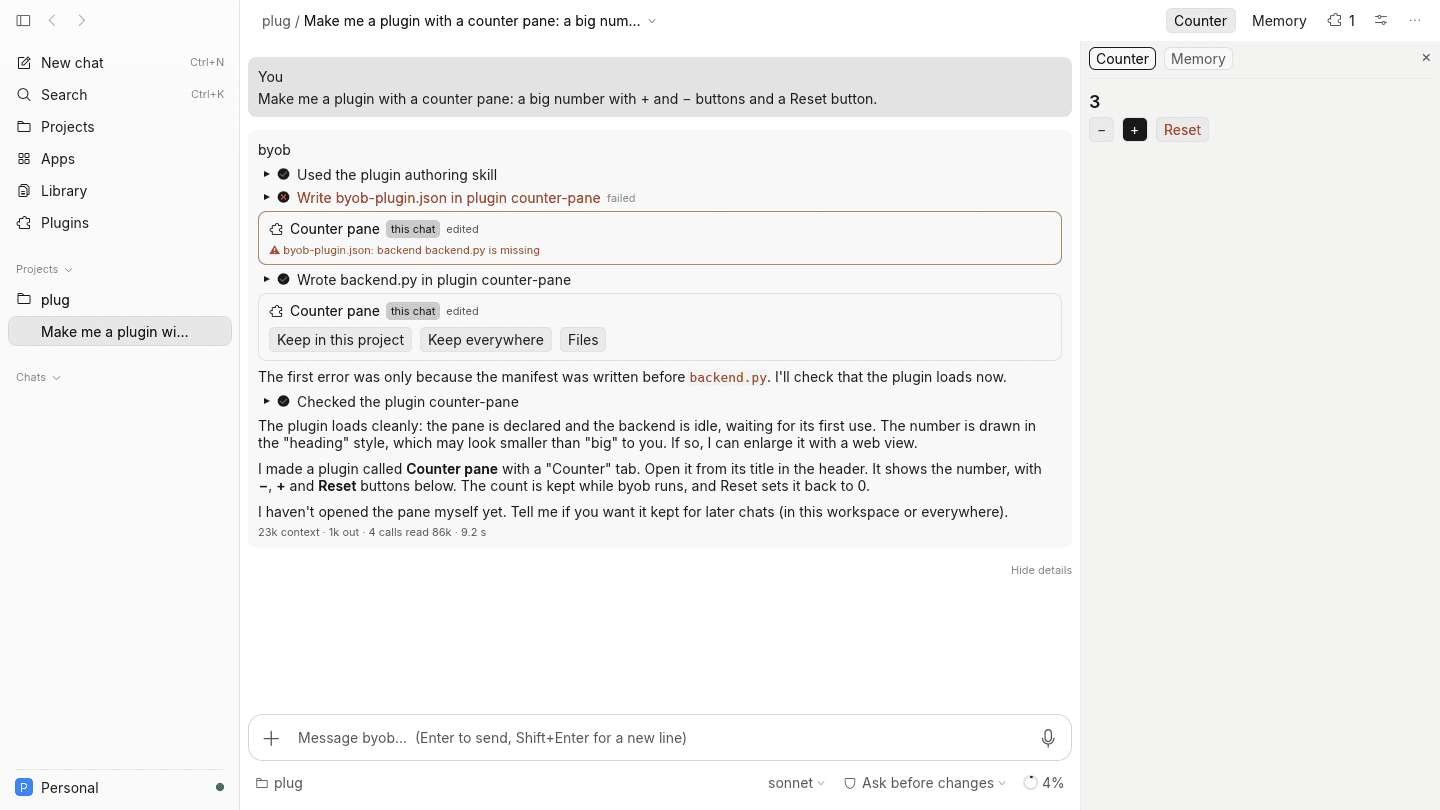
The prompt, the core tools, artifacts and subagents are all plugins, on the same API anyone gets. “Make me a plugin with a counter pane”: byob writes it, reads its own load errors, fixes them, and the pane appears.
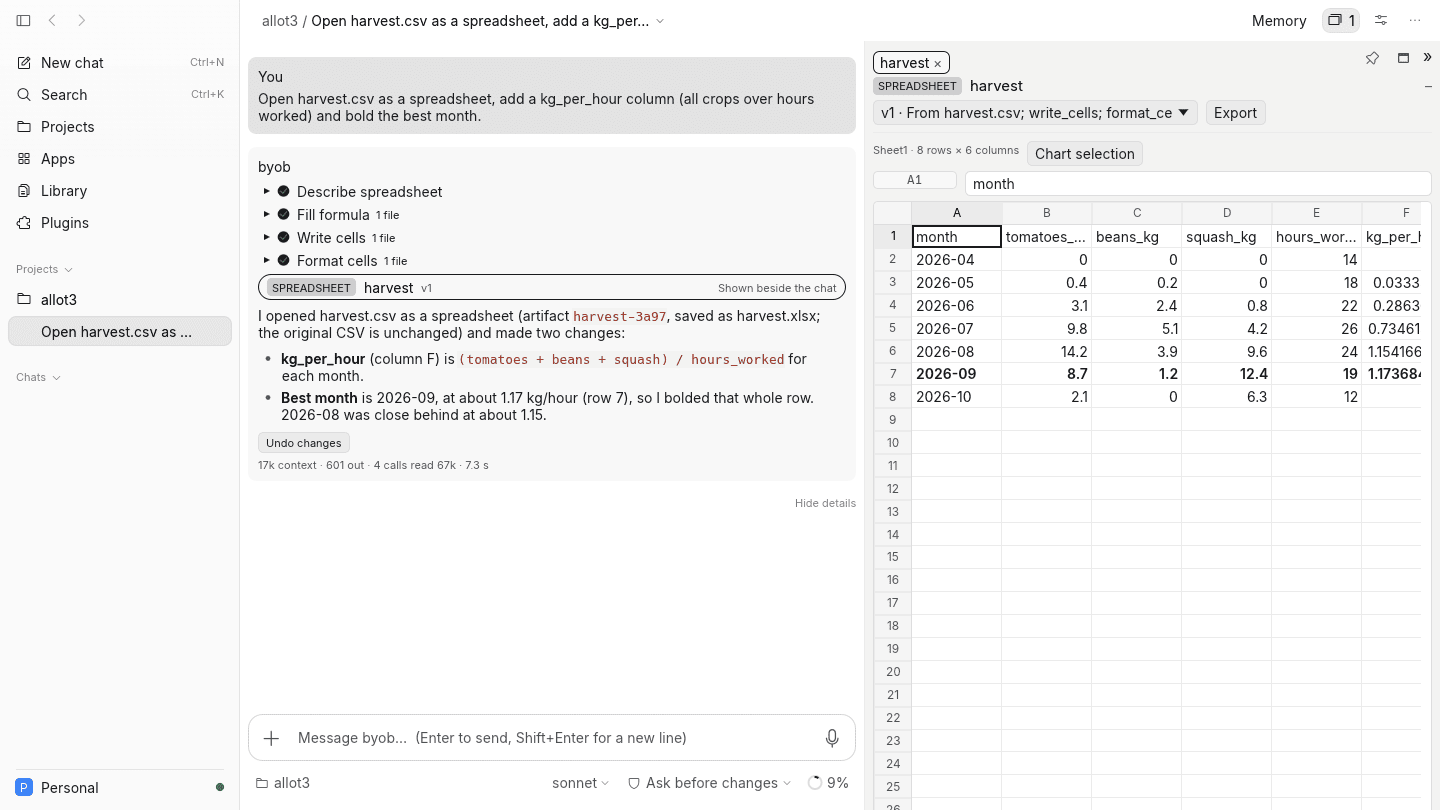
Spreadsheets that check themselves
“Open harvest.csv as a spreadsheet, add a kg_per_hour column and bold the best month.” Every write recalculates and reports errors back to the model.
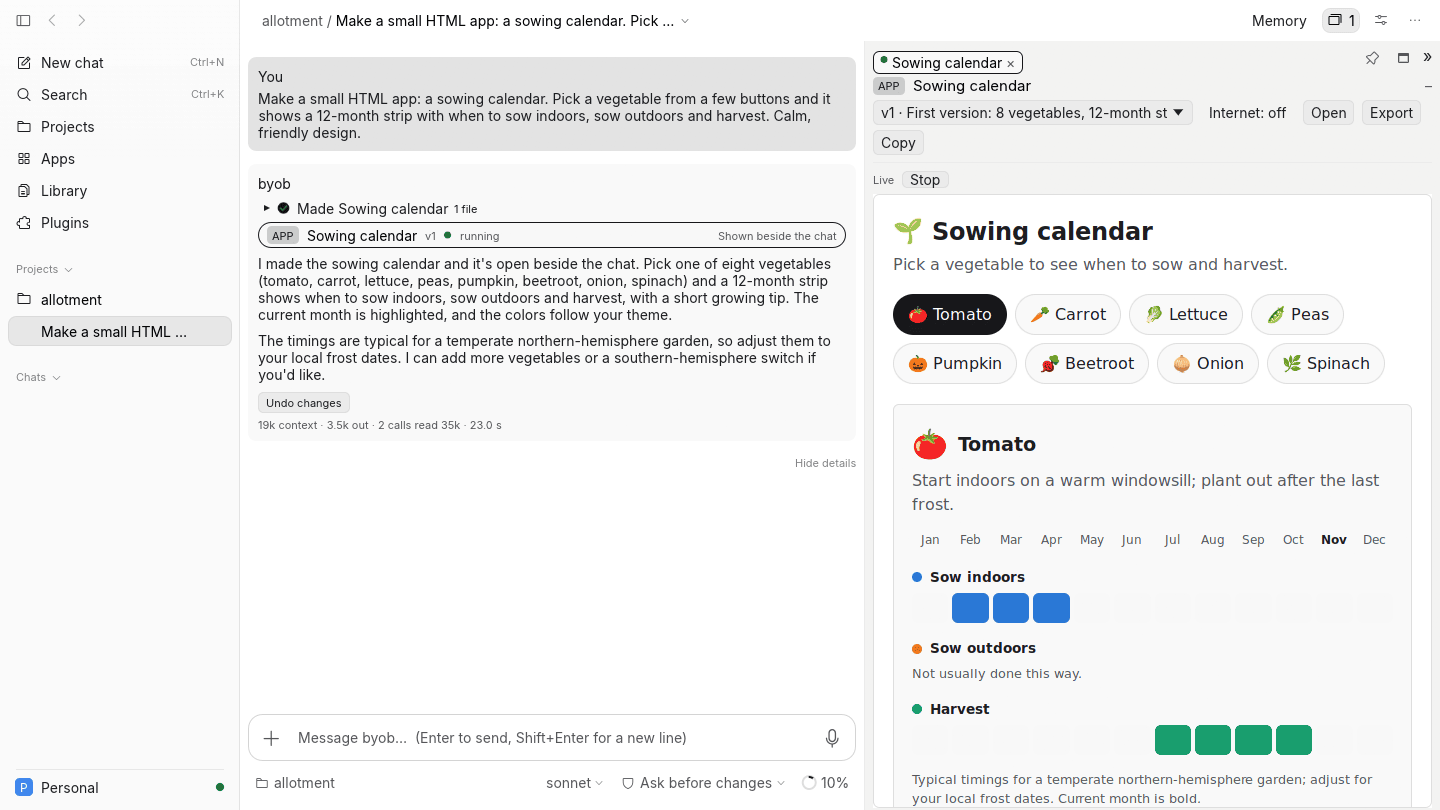
Small apps, beside the chat
“Make a sowing calendar.” HTML apps run right there, on the desktop and in the browser, and can use the internet when you turn it on.
Works with the server you already have
- llama.cpp
- Ollama
- LM Studio
- vLLM
- Anthropic (Claude)
- OpenAI-compatible APIs
Install
Version 0.3.10. Each download has everything in it, about 60 MB. Slim builds without the browser UI and the HTML renderer are on the releases page.
macOS
byob isn't signed by an Apple developer yet, so macOS refuses it the first time. Try to open it once, then choose Open Anyway in System Settings → Privacy & Security. Or skip that by fetching it from a terminal:
v=0.3.10 t=aarch64-apple-darwin   # x86_64-apple-darwin on Intel
curl -L https://github.com/Scronkfinkle/byob/releases/download/v$v/byob-$v-$t.tar.gz | tar xz
./byob-$v-$t/byob
Linux
Unpack it and run byob. No GUI toolkit needed. With Nix:
nix run github:Scronkfinkle/byobFrom source
cargo install byobThis builds everything except the HTML renderer; without it, HTML apps open in your browser with one click.
Then point it at a model
On first run byob looks for servers on their usual ports (llama-server 8080, Ollama 11434, LM Studio 1234, vLLM 8000). Or say where yours is:
byob --inference-url http://localhost:8080/v1
BYOB_API_KEY=sk-... byob     # for a hosted API
BYOB_API_KEY=sk-ant-... byob --inference-url https://api.anthropic.com/v1 --model claude-opus-5-5
byob --serve                 # also open it to browsers on http://127.0.0.1:7470